



Introduction
If you’re planning to run paid campaigns on Facebook or Instagram, the first thing you need is an ad account. Whether you’re promoting a business, selling products, or offering services, knowing how to create ad account in Facebook & Instagram is the foundation of digital advertising success.
This article explains what an ad account is, why it’s necessary, and how you can create one using two methods: through your personal Facebook profile and via the Meta Business Suite.
What is an Ad Account?
An ad account is a unique advertising profile within Facebook’s system that allows you to:
- Create and run ads on Facebook and Instagram
- Set budgets and track performance
- Attach a payment method
- Manage campaigns from one place
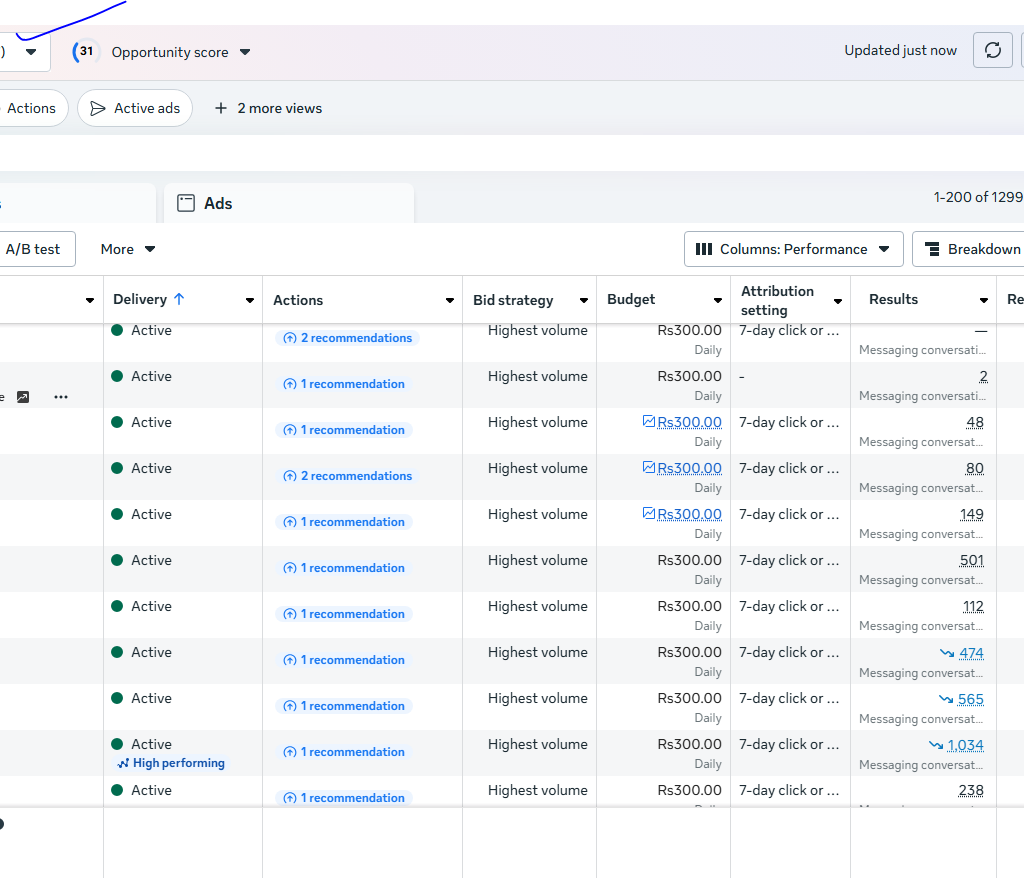
Every ad account has a unique ID and is tied to either your personal Facebook profile or a business in Meta Business Suite.
How to Create Ad Account in Facebook & Instagram
There are two main ways to create an ad account:
1. Using Personal Facebook Profile (Ads Manager)
If your Facebook ID is old and active, chances are you already have an ad account attached to your profile. You can find it easily:
- Go to www.facebook.com/adsmanager
- If an ad account exists, it will be visible
- If not, you will be prompted to “Get Started”
But before creating an ad account, you must have a Facebook Page. Without a page, Facebook won’t allow you to proceed.
2. Using Meta Business Suite
The second method is more professional and is recommended for agencies or businesses handling multiple clients.
- Go to business.facebook.com
- Click on “Create Account”
- Set up your business profile
- Then click on “Ad Accounts” > “Add” > “Create a New Ad Account”
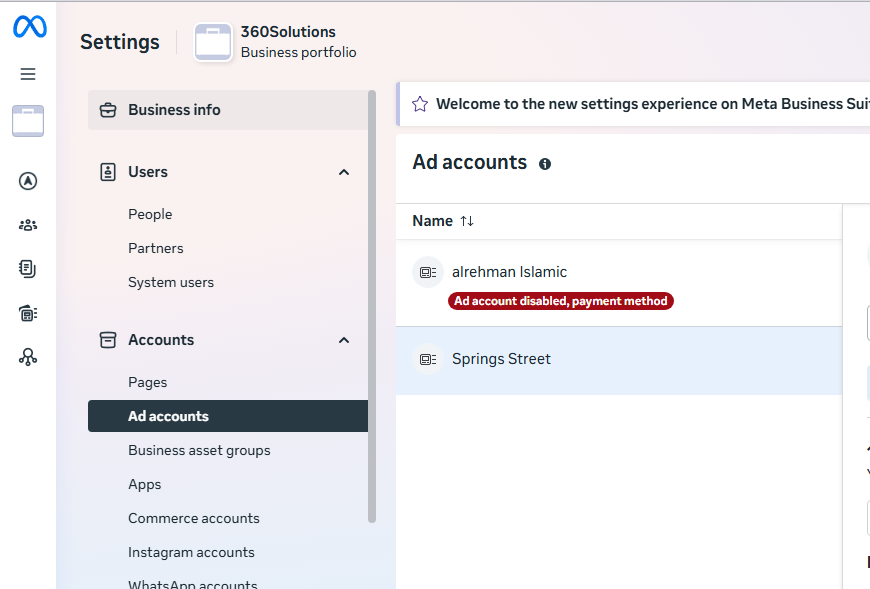
At first, Meta allows only one ad account per business. But after you start spending on ads and gain trust, you may be allowed to create 2, 3, or even up to 25 ad accounts.
Step-by-Step Guide to Create Ad Account
Step 1: Create a Facebook Page
Before creating any ad account, a Facebook Page is required.
To create a page:
- Login to Facebook
- Click on “Pages” from the left menu
- Click Create New Page
- Add a name, category, and details, then click Create
Step 2: Create Ad Account via Facebook Profile
- Visit: facebook.com/adsmanager
- If prompted, click Get Started
- Select your Facebook Page
- Fill in basic info: ad account name, time zone, currency
- Add your payment method (Debit/Credit card, JazzCash, Easypaisa, etc.)
- Done! You now have your ad account
Step 3: Create Ad Account via Meta Business Suite
- Visit: business.facebook.com
- Login or create a Meta Business Account
- Click Settings > Ad Accounts > Add > Create a New Ad Account
- Name your ad account and assign to your page
- Set roles (Admin, Advertiser, Analyst)
- Add payment method
- You now have one ad account. To create more in the future, you must:
- Spend a consistent budget
- Follow Facebook policies
- Verify your business if needed
Managing Multiple Ad Accounts
Facebook has strict policies when it comes to ad account creation. Initially, every user is allowed only one ad account. Here’s how to expand:
- Spend consistently: Run ads and build trust with Meta
- No violations: Avoid disapproved ads and restricted content
- Verify identity or business: In some regions, Facebook asks for ID or business documents
- Upgrade access over time: Facebook may allow you to create 2, 3, or up to 25 ad accounts
One person can technically handle 25 ad accounts, either under one Business Manager or multiple.
Common Issues and Solution
Issue: Can’t Create New Ad Account
- Solution: Spend budget on your existing account
- Wait a few weeks for Facebook to automatically approve more ad accounts
Issue: Ad Account Disabled
- Solution: Request a review inside Ads Manager
- Fix policy violations (e.g., misleading content, fake products)
Issue: Payment Method Not Working
- Solution: Use verified payment sources
- Avoid using the same card for multiple accounts
Conclusion
Creating an ad account in Facebook & Instagram is the first and most essential step to launching a successful ad campaign. Whether you’re an individual marketer, a small business owner, or a digital agency, you now know both methods:
- From your personal Facebook profile through Ads Manager
- From the Meta Business Suite, with more scalability for future needs
Remember:
- Always start by creating a Facebook Page
- Attach a reliable payment method
- Maintain good standing by following Meta’s policies
With time, spending, and consistency, you can manage multiple ad accounts and grow your advertising power.